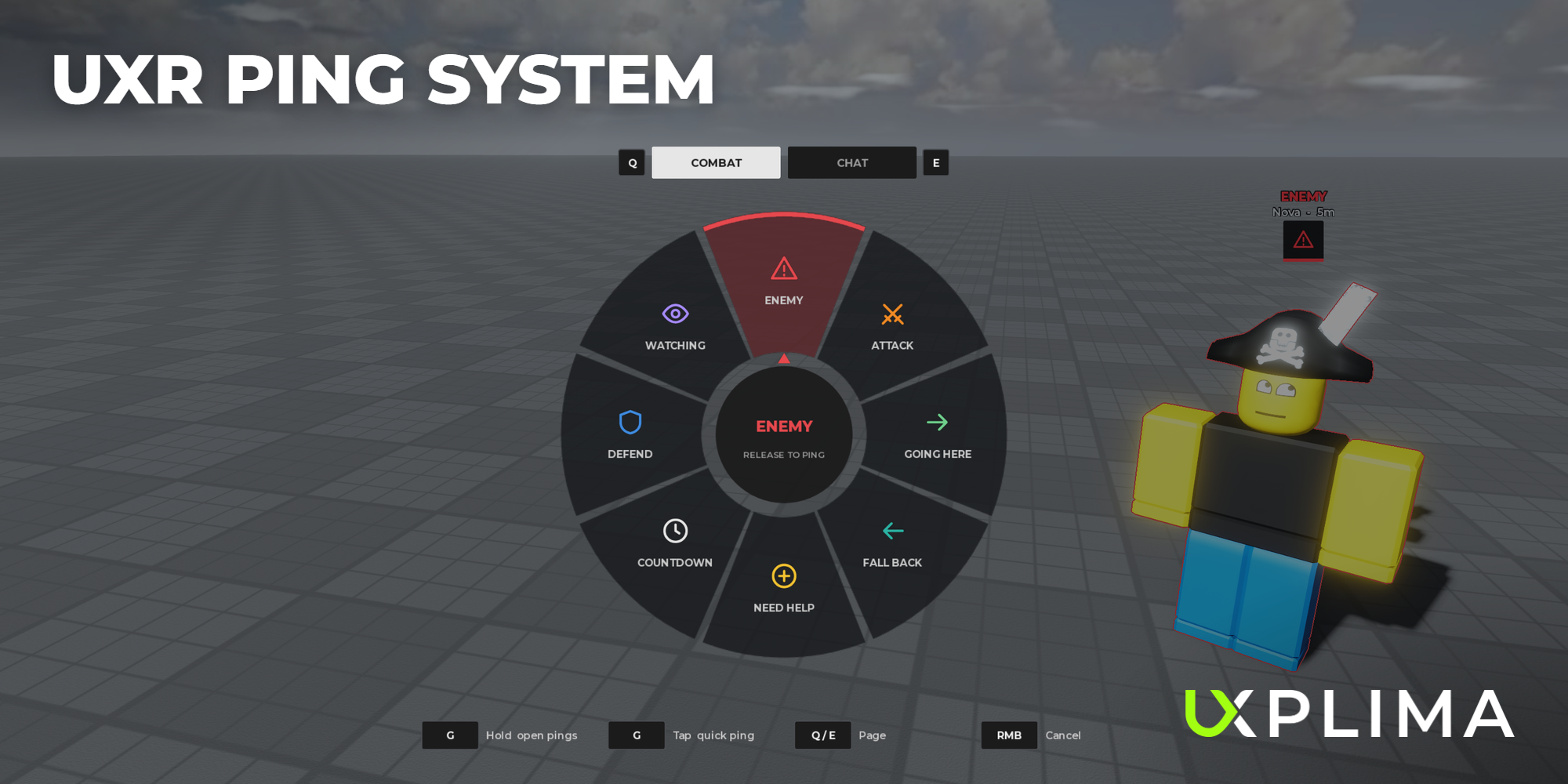
UXR Ping System
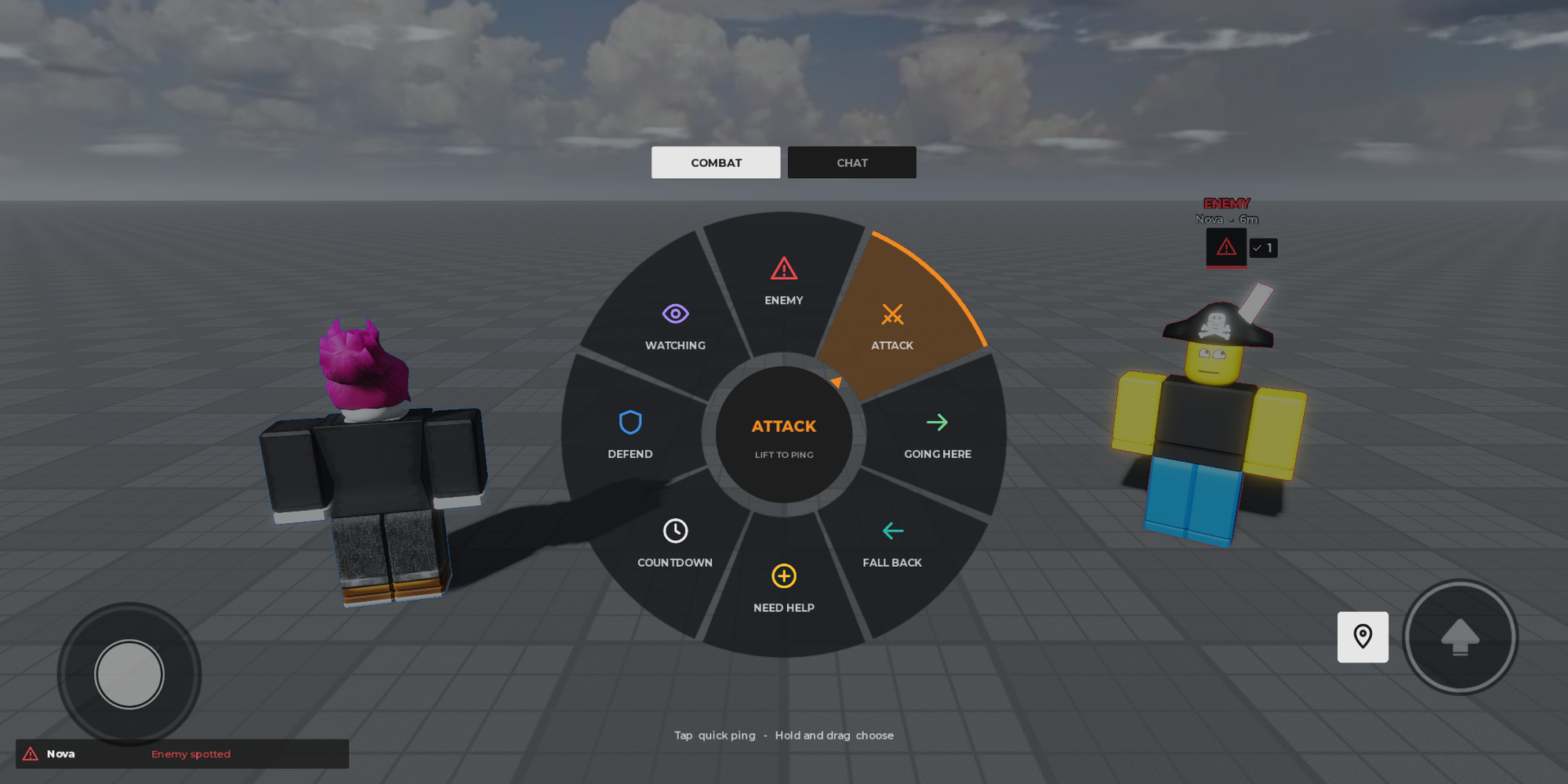
Team pings with a wheel or a list, world markers, edge arrows, a feed and chat bubbles.
Bilgiler
- Platform
- Roblox
- Sürüm
- 6.0
- Güncelleme
- 30 Ekim 2026
- Kategoriler
- Scripts
Team pinging like in the big shooters, for any Roblox game. Hold the ping key to open a wheel, pick a ping and let go; a quick tap pings whatever is under your aim. Free, with every setting in one place.
Markers your team can read
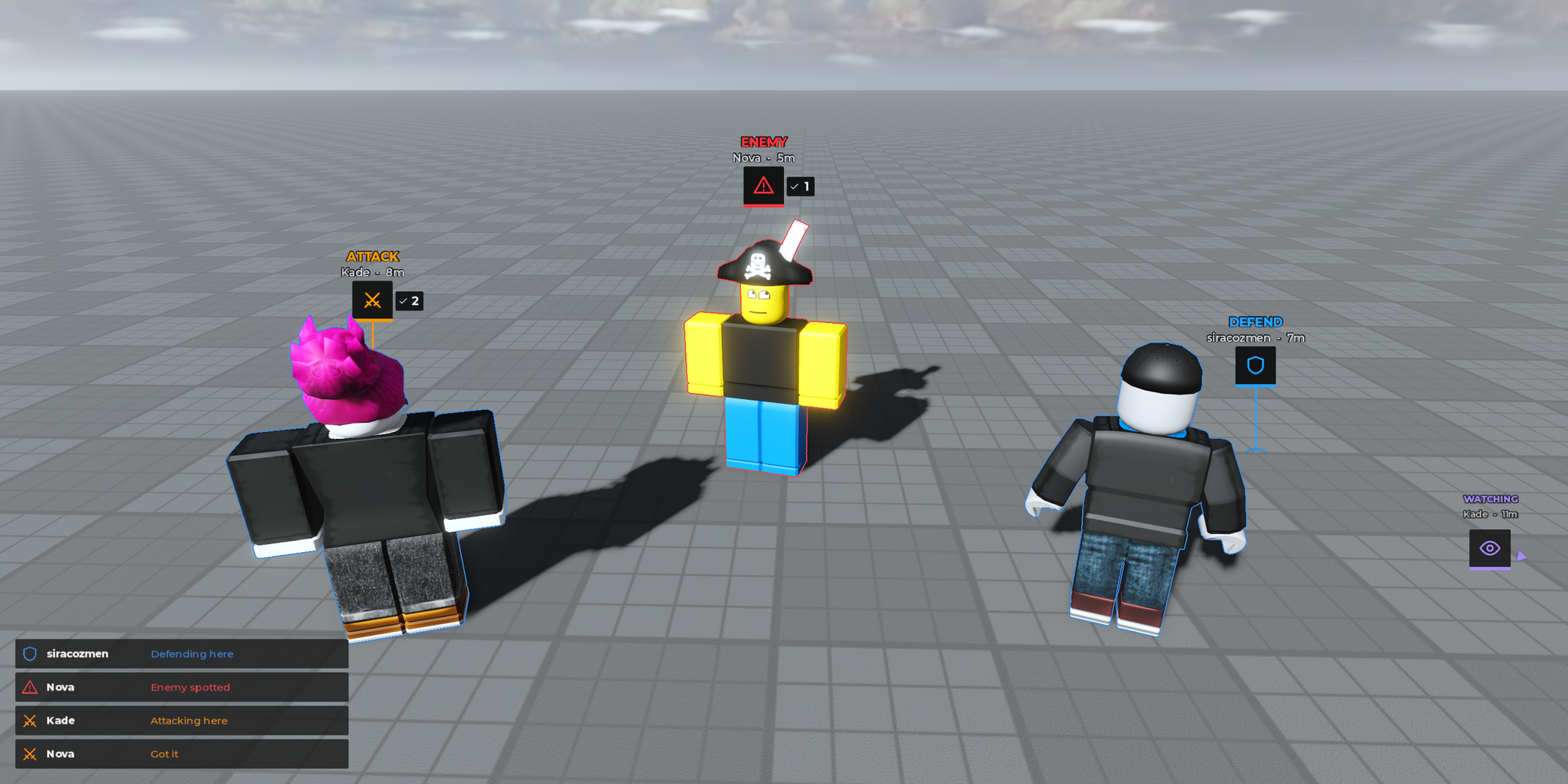
Every ping puts a marker in the world with its icon, the sender and the distance. Team mates answer a marker by tapping it, the sender removes it the same way, and markers off screen move to the screen edge as arrows. A feed in the corner lists the latest pings.
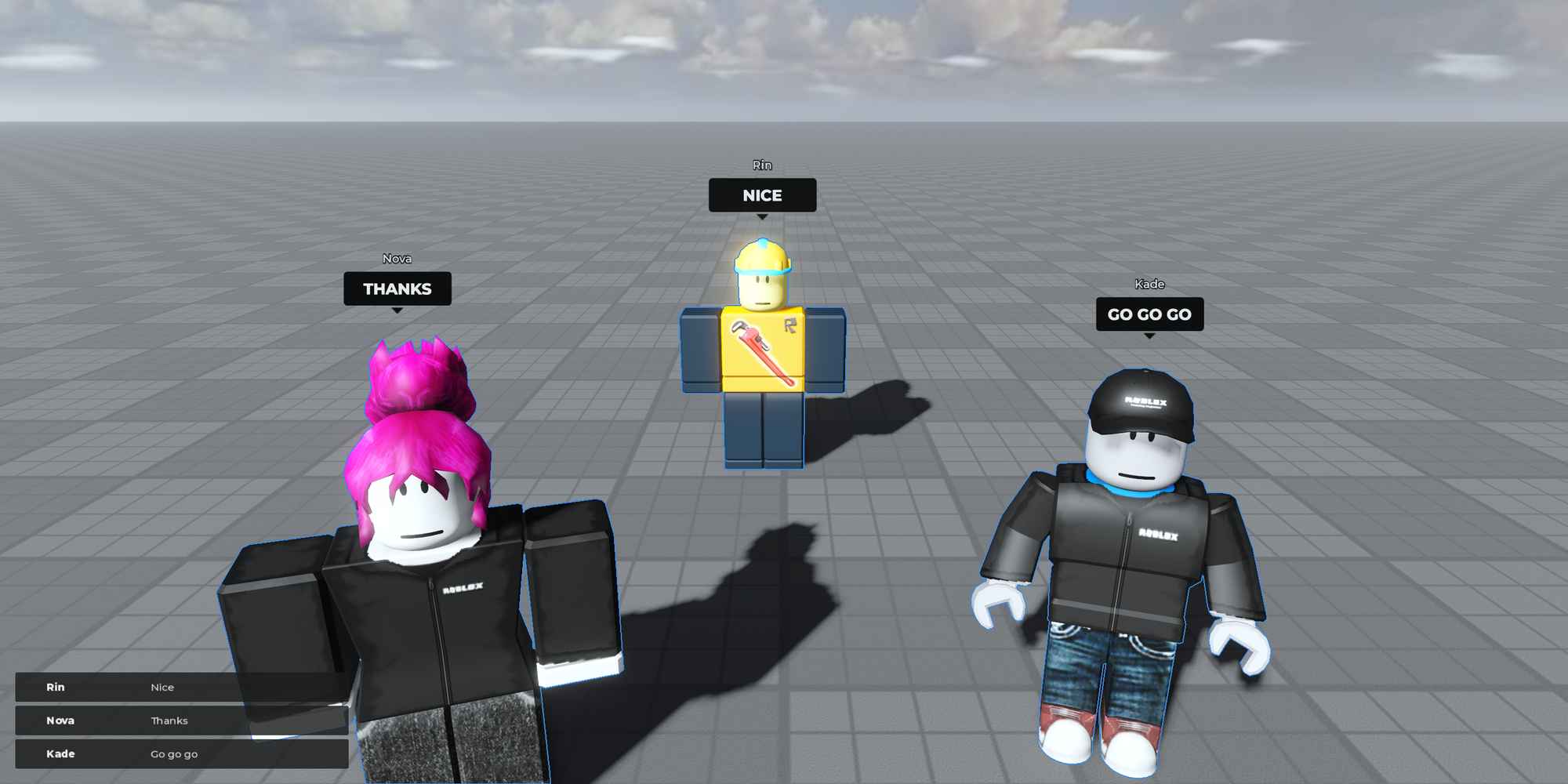
Chat pings
The Chat page sends short calls such as Thanks, Nice or Go go go as a bubble over the sender's head, and into the feed.
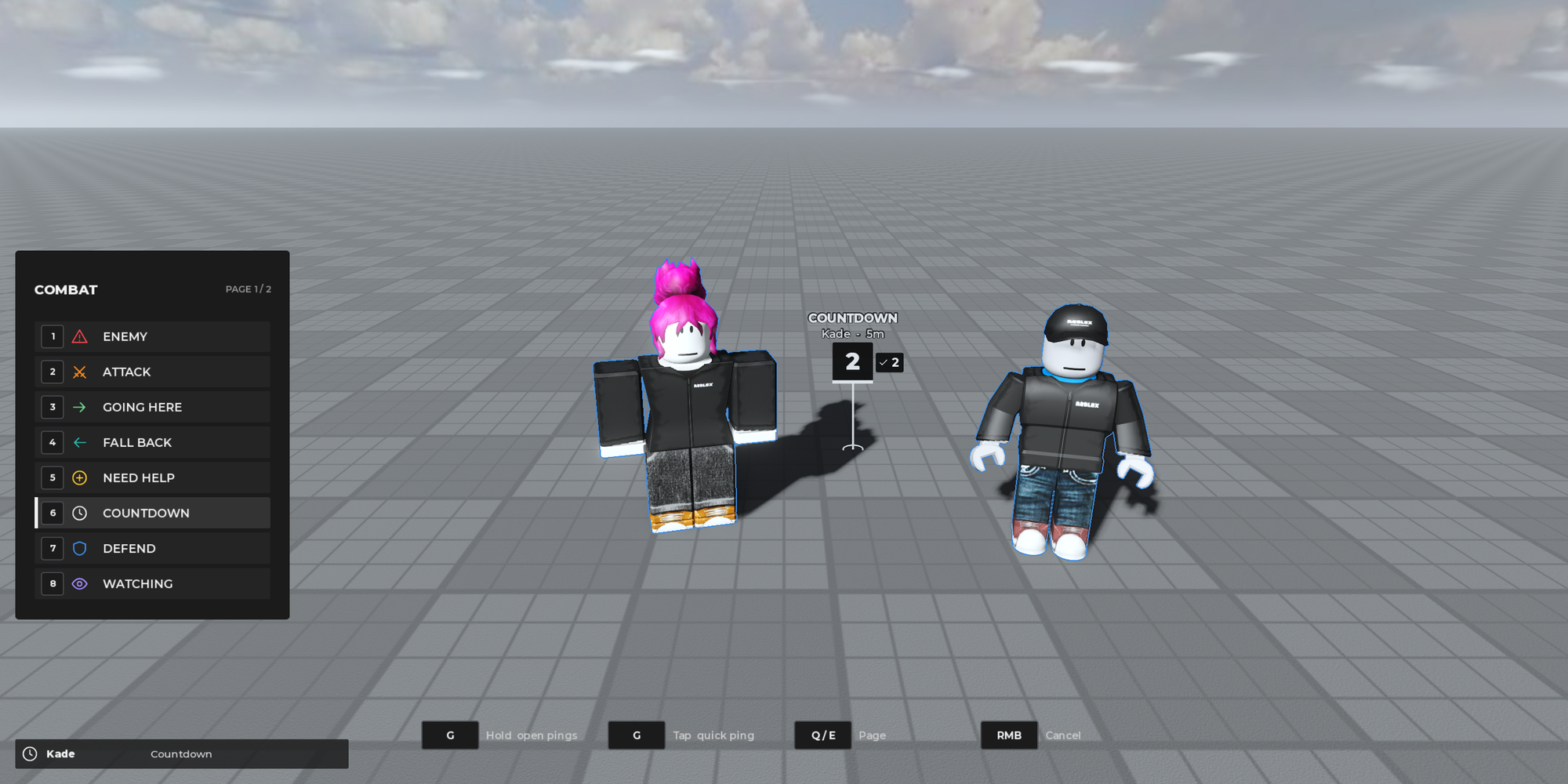
Wheel or list
Pick the ping wheel or a numbered list. Both have pages (Combat and Chat out of the box), switched with Q and E, and number keys send a ping straight away.
Every device
Keyboard and mouse, gamepad and touch: on phones a ping button sits next to the jump button, tap it to ping, hold and drag to choose.
Make it yours
- Keys for keyboard and gamepad, the hold time, wheel or list
- Who sees the pings: the team or everyone
- Range, cooldown and the number of pings a player can have at once
- The pages, and every ping's name, icon, colour and lifetime
- The feed, edge arrows, touch button, animations and sounds
- Every text players read, ready to translate
Questions or setup help: Discord